 Contact
 Support
 Wishlist
 Home
Home Categories
 PHP Script
 WP Themes
 WP Plugins
 66Biolinks Plugins
 Tutorial
 Important Links
 Hosting
 Services
 Request Item
 My account
Tech
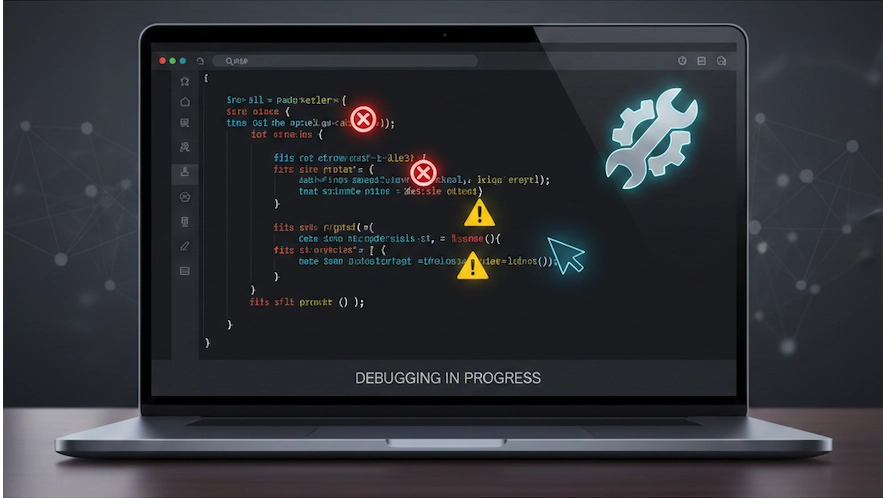
Common Errors After Installing PHP Scripts & How to Fix Them
Jan
Installing a new PHP script should be quick and exciting—but for many users, it turns into a frustrating error hunt. You upload the files, open the site, and suddenly you see a blank page, a 500 error, or a database connection failure. These problems are common and usually easy to fix once you know where to look. In this guide, we’ll cover the most frequent PHP script errors after installation and show you exactly how to resolve them, even if you’re not a server expert.
Why PHP Script Errors Happen After Installation
Most PHP script issues come from server mismatches or setup mistakes. Your hosting environment, PHP version, file permissions, and database configuration all have to match what the script expects.
The good news?
In almost every case, the script itself is fine — only the configuration is wrong.
1. Blank White Page or “500 Internal Server Error”
This is the most common issue after uploading a PHP script.
What causes it?
- PHP errors are hidden
- Incompatible PHP version
- Missing PHP extensions
- Broken
.htaccessfile
How to fix it
Enable error display
Edit php.ini or create a .htaccess file:
php_flag display_errors On
php_value error_reporting E_ALL
Reload the page. Now you’ll see the real error.
You can also validate your PHP version using an online tool like the PHP Checker at Toolszu. This helps confirm whether your server meets the script’s requirements.
2. Database Connection Error
You may see:
“Could not connect to database”
“Access denied for user”
What causes it?
- Wrong database name
- Incorrect username or password
- Database not created
- Host is wrong (localhost vs server IP)
How to fix it
Open your script’s config.php or .env file and verify:
DB_NAME
DB_USER
DB_PASSWORD
DB_HOST
Most shared hosts use localhost as DB_HOST.
If you’re unsure, use phpMyAdmin to confirm database credentials or run a database connectivity test using Toolszu’s Database Tester.
3. 403 Forbidden Error
This happens when the server blocks access to files or folders.
Common reasons
- Wrong file permissions
.htaccessrules blocking access
Fix
Set correct permissions:
- Files: 644
- Folders: 755
If you edited .htaccess, validate it with Toolszu’s .htaccess Checker to catch syntax mistakes.
4. Script Works on Localhost but Not on Live Server
Your script may run perfectly on XAMPP or MAMP but fail on hosting.
Why?
Local servers have:
- More PHP extensions enabled
- Fewer security restrictions
Live servers may disable:
curlgdimagickallow_url_fopen
How to fix
Use a PHP info page or Toolszu’s Server Info Tool to compare enabled extensions. Then ask your host to enable missing ones.
You can also refer to the official PHP extension list on php.net for supported modules:
https://www.php.net/manual/en/extensions.php
5. File Upload or Image Processing Not Working
Symptoms:
- Upload button does nothing
- Images fail to resize
- Watermark or thumbnail tools break
Causes
upload_max_filesizetoo lowpost_max_sizetoo low- Missing
gdorimagick
Fix
Increase limits in php.ini:
upload_max_filesize = 64M
post_max_size = 64M
Then verify if image libraries are installed using a server diagnostic tool like Toolszu’s PHP Module Checker.
6. License or Domain Validation Errors
Some PHP scripts check:
- Domain name
- IP address
- File integrity
If you move files or change domains, the license breaks.
How to fix
- Re-activate the script
- Clear cache folders
- Make sure the domain matches what the license system expects
If you modified core files, restore original files from backup.
7. SSL or Mixed Content Errors
If your site is on HTTPS but loads files via HTTP, browsers block them.
Fix
Use a URL scanner like Toolszu’s Mixed Content Checker to find and replace http:// with https://.
For SSL validation, SSL Labs provides a free authority check:
https://www.ssllabs.com/ssltest/
FAQ – PHP Script Installation Errors
Why does my PHP script show a blank page?
Because PHP errors are hidden. Enable error display to see the real problem.
What is the most common database mistake?
Wrong database name or password. Always double-check in phpMyAdmin.
Can PHP version break my script?
Yes. Many older scripts fail on PHP 8+. Switching to PHP 7.4 often fixes it.
Why does it work on localhost but not online?
Live servers have stricter security and fewer enabled extensions.
Do file permissions really matter?
Yes. Wrong permissions can block scripts or expose security risks.
Final Thoughts
Most PHP script errors are not bugs—they’re configuration problems. Once you check PHP version, file permissions, database details, and server modules, 90% of issues disappear.
If you want to diagnose problems faster, Toolszu offers several free online utilities to test your server environment, validate PHP, and scan configuration issues before they break your site.
Fix the setup once, and your script will run smoothly for years.
